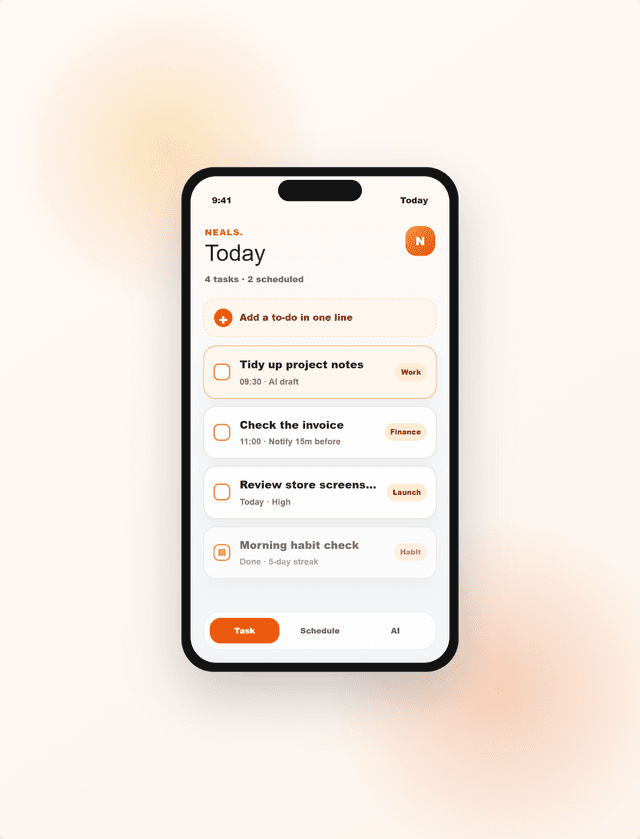
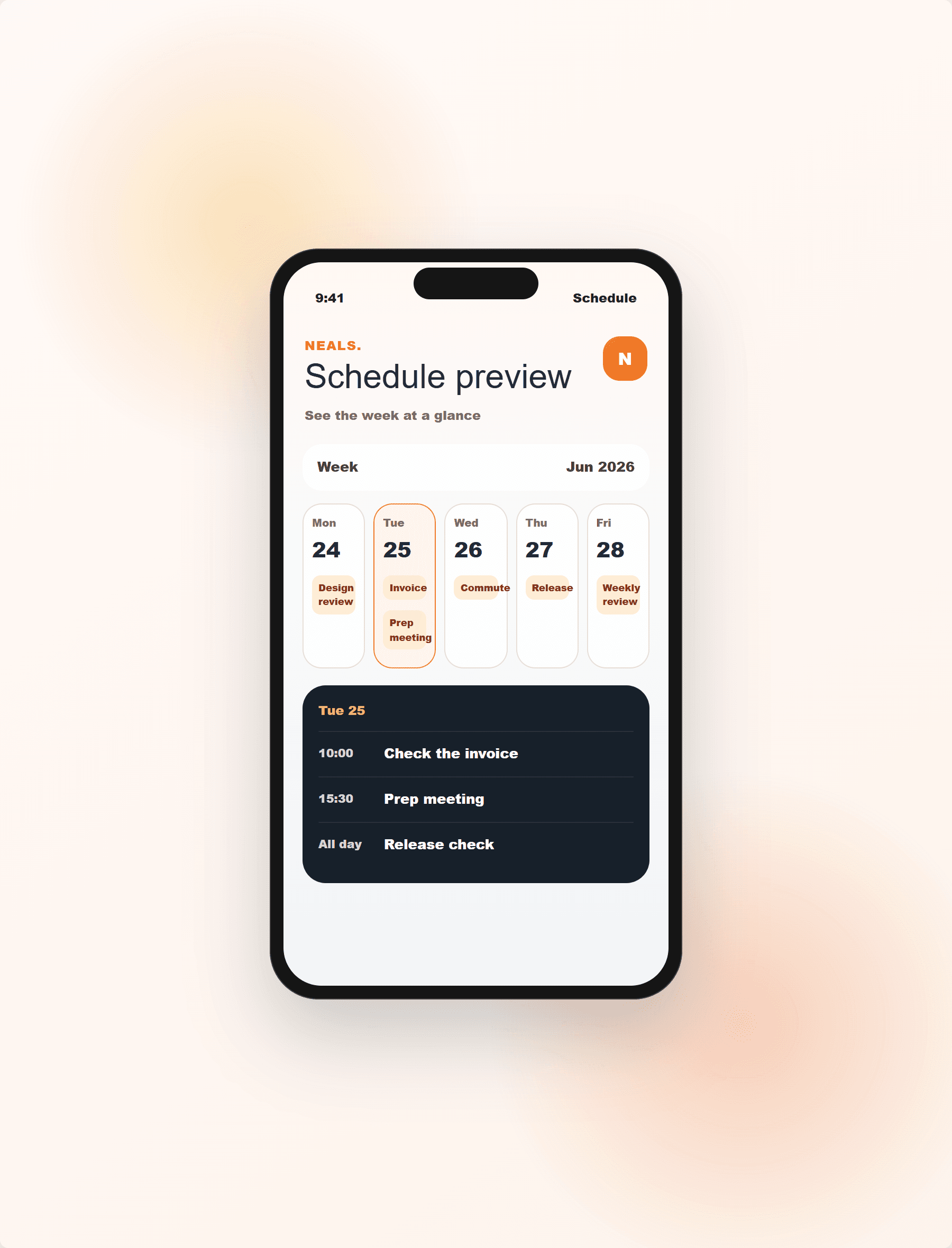
See everything for today at a glance.
ONE LINE IN · CALENDAR / BOARD / LIST
Type “meeting at 3pm tomorrow” and NEALS turns it into a task — then see what’s on as a calendar, board or list. No fuss — just go.
See everything for today at a glance.
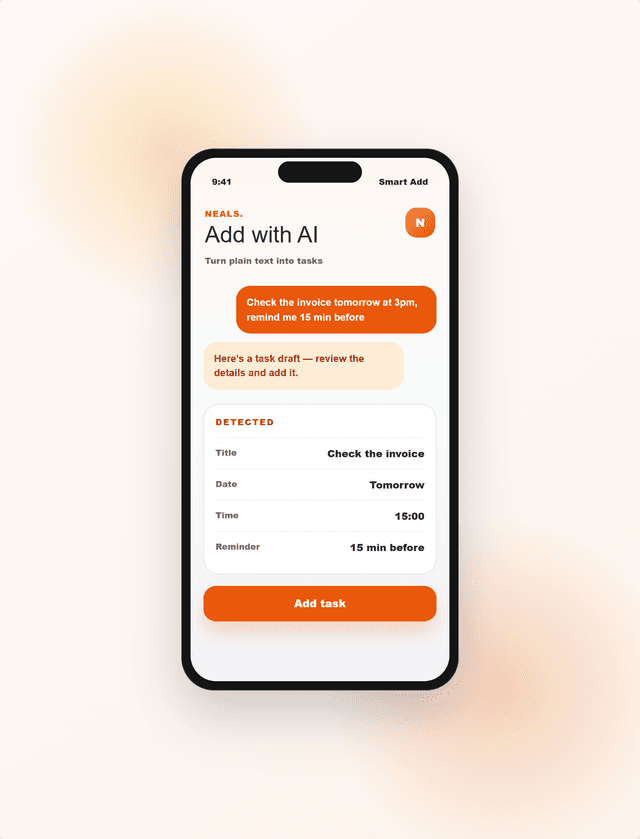
Write a sentence — get a task.
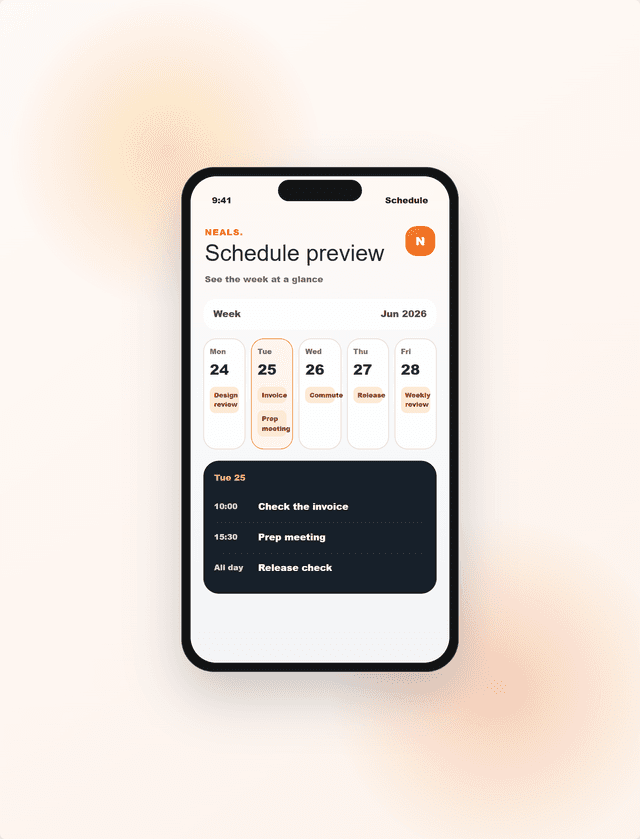
Tasks and time, in one flow.
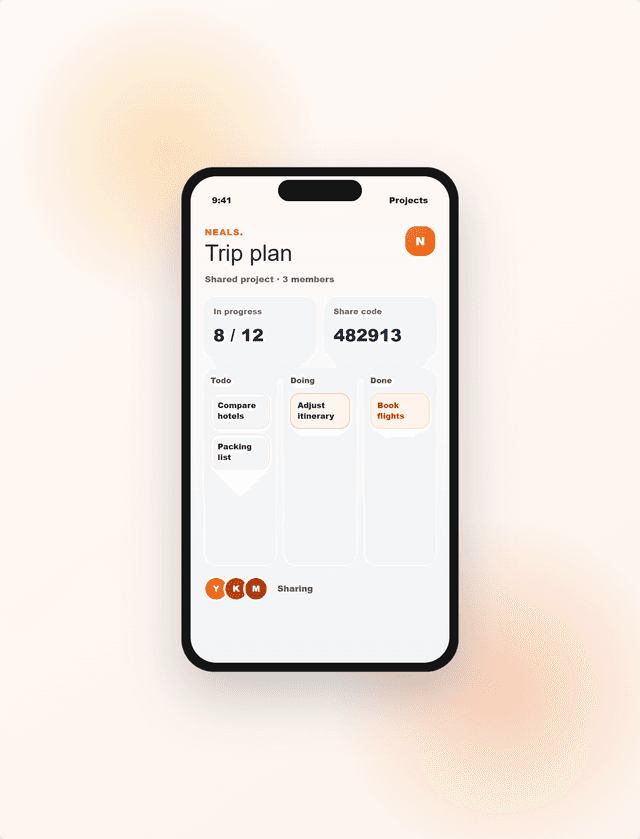
Your plans, or the team’s progress.
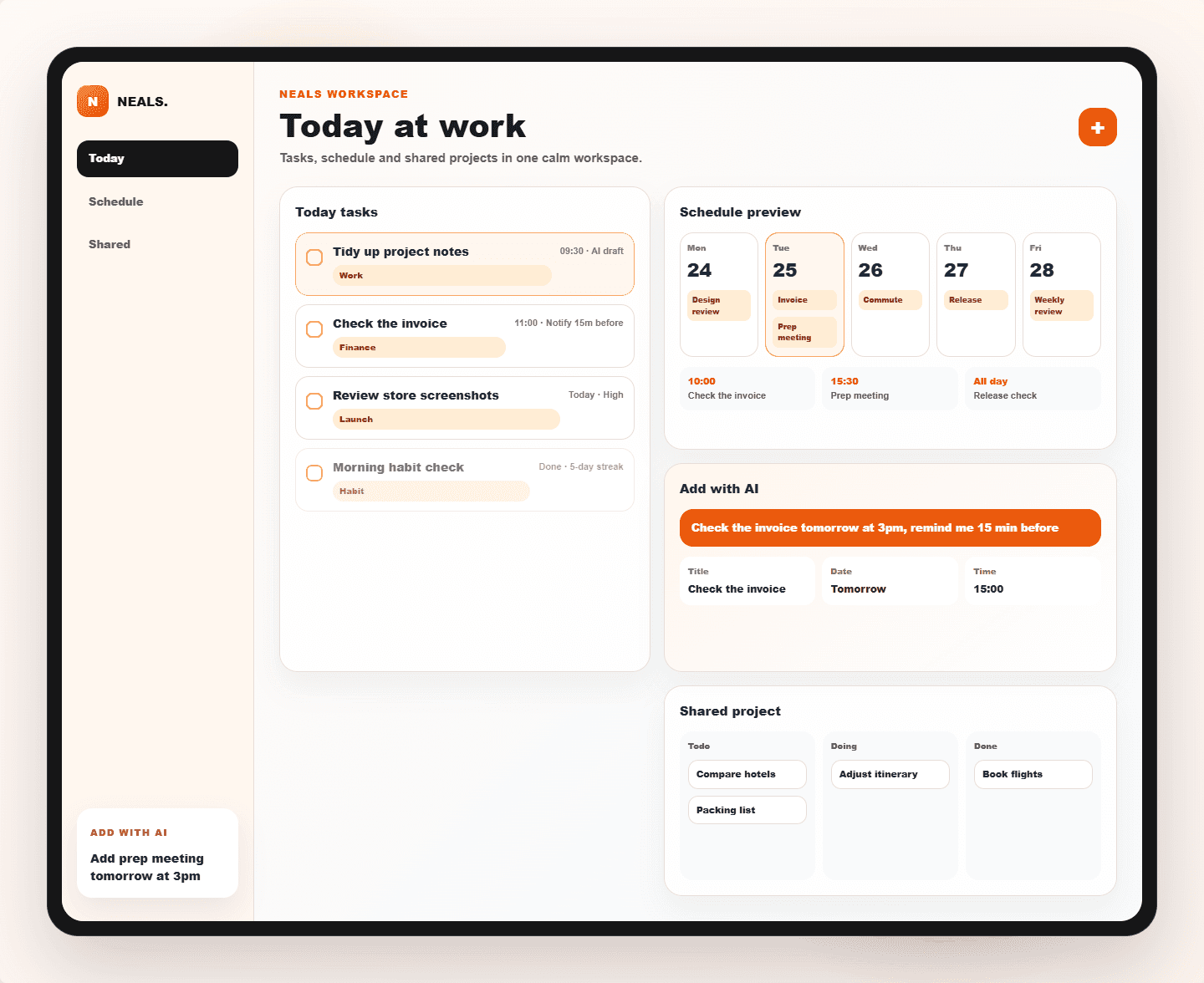
DESKTOP WORKSPACE
Tasks, week schedule, AI capture and shared projects live together. A larger workspace makes planning, reviewing and coordinating feel lighter.
BULK ADD
Drop in meeting notes or a shopping list: NEALS splits it line by line, reads out the dates and times, and imports dozens of tasks at once — on desktop and on your phone.
NOTES + AI
The new Notes is a place to capture anything, Apple-Notes style: write freely, attach images, pin what matters. One tap and AI reads the plans inside and files them as dated tasks — it can even tidy a messy note for you.
PRODUCT TOUR
Tasks, schedule, deadlines and notes on one Today screen. Spend a couple of minutes each morning and start moving.
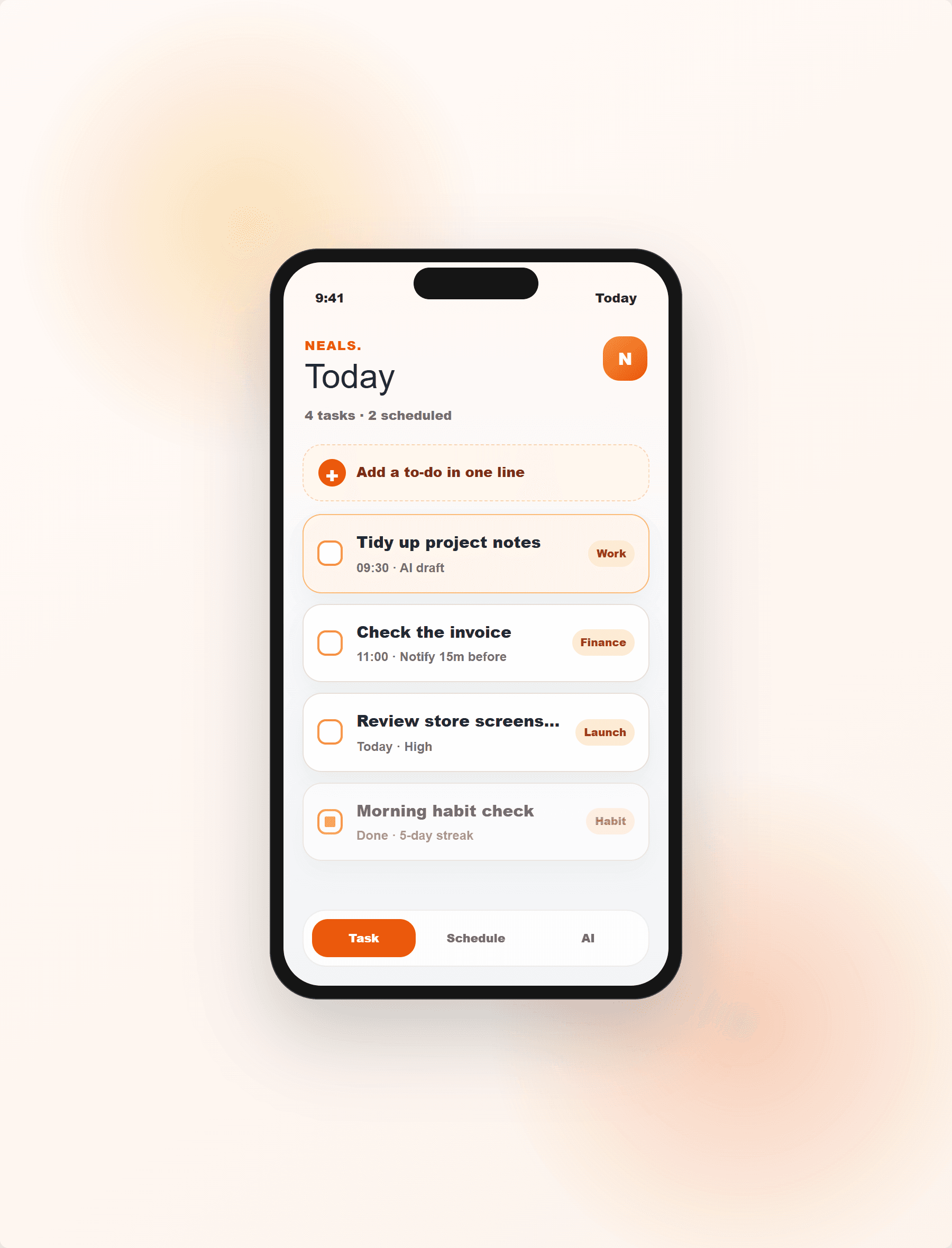
From natural text like “check the invoice tomorrow at 3pm”, NEALS pulls out the title, date, time and a reminder suggestion.
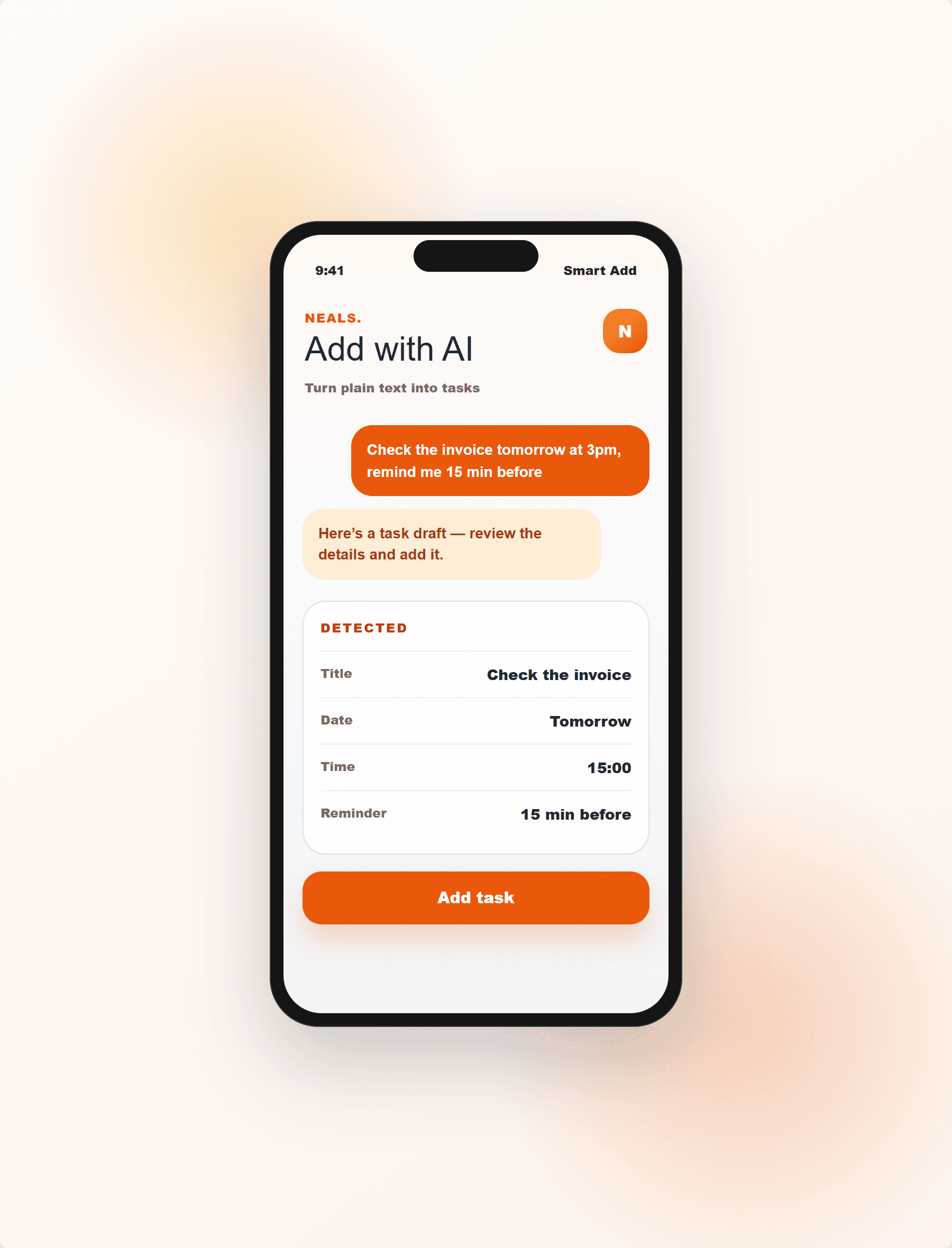
Meetings, bookings, deadlines and all-day items on a calendar — the overlaps a list hides become visible.
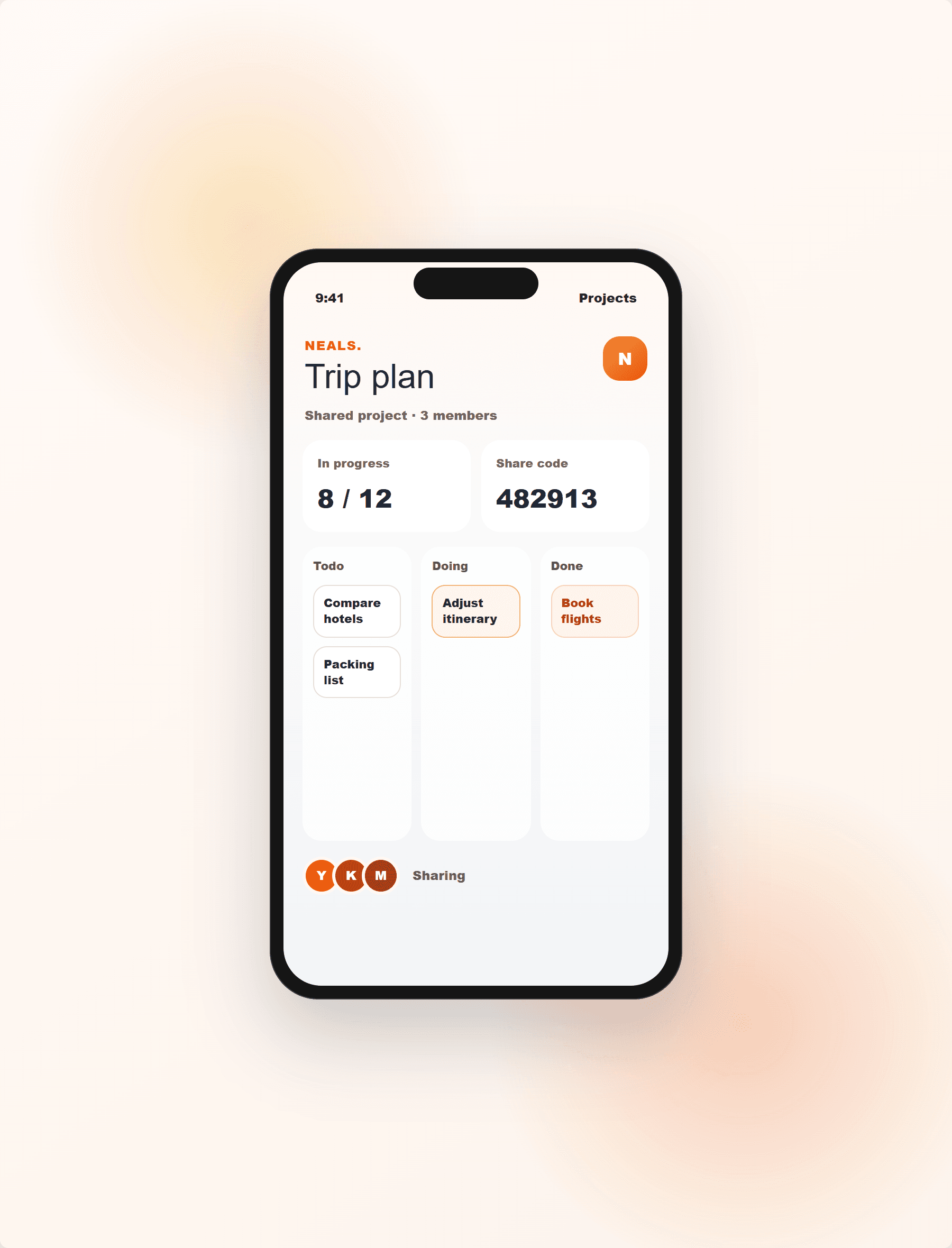
Trips, shopping and small team work in one shared project. Todo, Doing, Done — the next step is clear.
WORKFLOW
NEALS is a calm workspace that cuts the small daily decisions. Drop a thought in and follow it from Today, the calendar, or a shared project.
Turn natural text or a short note into a task with a time.
What to do now, what’s later, what’s done — on one screen.
See tasks as a calendar, board or list — or share a project with others.
DETAILS
Family shopping, trip prep and small team work in one shared list.
Web Push and email notifications so deadlines never slip by.
Look back on repeating tasks and your history to keep good habits.
In the browser or added to your iPhone home screen — open it instantly.

In the browser or on your home screen — start with one small list.
Try it